 Skip to content
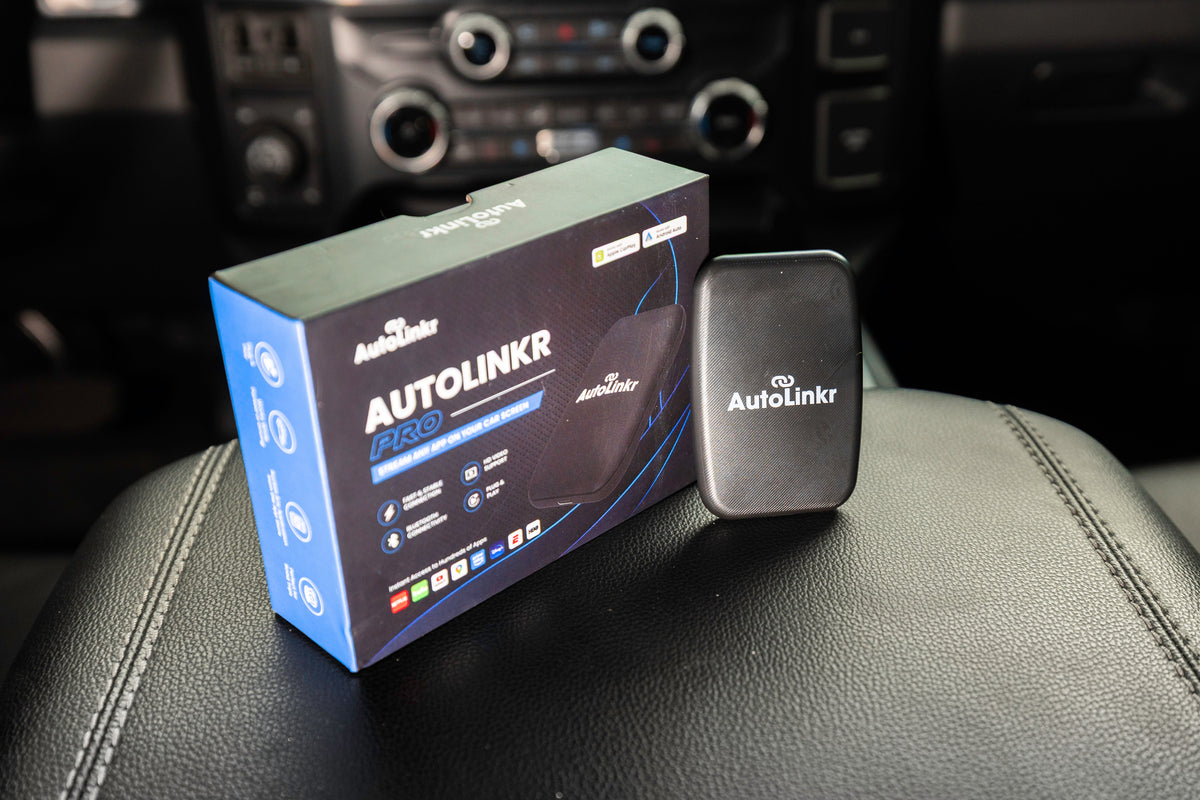
Short answer: Choose the AutoLinkr Lite™ ($49.99) if you only want to cut the cable and mirror your phone. Choose the AutoLinkr Pro™ ($89.99) if you want Netflix, YouTube and Google Play apps on your car's screen; it is the best value for most drivers. Choose the AutoLinkr Elite™ ($199.99) if you want split-screen navigation plus video, twice the RAM and four times the storage. All three require a car or stereo that already has Apple CarPlay or Android Auto; for cars without it, see the AutoLinkr Tablet™.
Side-by-side comparison
| Feature | Lite™ | Pro™ | Elite™ |
|---|---|---|---|
| Wireless Apple CarPlay | Yes | Yes | Yes |
| Wireless Android Auto | Yes | Yes | Yes |
| Phone screen mirroring | Yes (dual-band 5.8GHz) | Yes | Yes |
| Netflix, Disney+, Hulu (native apps) | No | Yes | Yes |
| YouTube | Via mirroring | Native app | Native app |
| Google Play Store | No | Yes | Yes |
| Split-screen (Maps + video) | No | No | Yes |
| RAM | n/a | 2GB | 4GB |
| Storage | n/a | 16GB + microSD (to 128GB) | 64GB + microSD |
| Enhanced UI / faster CPU | n/a | Standard | Yes |
| Auto-connect on start | Yes | Yes | Yes |
| Cables included | USB-C + USB-A adapter | USB-C to USB-A and USB-C to USB-C | USB-C to USB-A and USB-C to USB-C |
| Return window / warranty | 30 days / 1 year | 30 days / 1 year | 30 days / 1 year |
| Price | $49.99 | $89.99 | $199.99 |
AutoLinkr Lite™: the wireless-only pick
The Lite™ does one job extremely well: it turns wired CarPlay or Android Auto into wireless and reconnects automatically every time you start the car. Its dual-band 5.8GHz Wi-Fi keeps audio and map scrolling in sync, and it adds full-phone screen mirroring, so passengers can watch YouTube or scroll photos on the big screen while parked. It does not run its own apps, so DRM-protected services like Netflix will not play through mirroring. If you just hate the cable, this is the one.
AutoLinkr Pro™: the best value for streaming
The Pro™ is a small Android computer. Plug it into the CarPlay port and your screen becomes a tablet with the Google Play Store: Netflix, YouTube, Disney+, Hulu, Spotify, Waze and thousands more. Wireless CarPlay and Android Auto run inside it, so you lose nothing. With 2GB of RAM, 16GB of storage and a microSD slot, you can download shows at home and play them offline. More than 900 verified buyers rate it 4.7 out of 5, and it is AutoLinkr's best seller.
AutoLinkr Elite™: the flagship for power users
The Elite™ keeps everything in the Pro™ and adds the one feature no other adapter in the lineup has: true split-screen. Run Google Maps or Waze on one half of the display while a show plays on the other, which is ideal for road trips with passengers. It also doubles the RAM to 4GB, quadruples storage to 64GB, uses a faster processor so apps open instantly, and ships with a refined interface. If you will use the adapter daily and want zero lag, the $110 step up from Pro™ is worth it.
Which one should you buy?
- "I just want wireless CarPlay." Lite™.
- "I want the kids to watch Netflix on road trips." Pro™.
- "I want directions and a show at the same time, and the fastest experience." Elite™.
- "My car doesn't have CarPlay." None of the above; get the Tablet™.
Frequently asked questions
Can I upgrade from Pro™ to Elite™ later?
Yes. Within 30 days you can return the Pro™ for store credit and apply it to the Elite™. After that, the Pro™ works great as a second-car adapter.
Do all three work with both iPhone and Android?
Yes. Every AutoLinkr adapter supports wireless CarPlay and wireless Android Auto.
Do I need Wi-Fi for Pro™ or Elite™?
Streaming needs internet from your phone's hotspot or any Wi-Fi network. CarPlay, Android Auto and offline downloads work without it.
Which cars are compatible?
Any car or aftermarket stereo with Apple CarPlay or Android Auto (about 97% of vehicles since 2016), except Tesla, Rivian, Lucid, Polestar, NIO and BMW 2019+. See the compatibility page.
Share:
Wireless CarPlay Adapter Buyer's Guide (2026): What Actually Matters
How to Watch YouTube on Your Car Screen (CarPlay & Android Auto)