 Skip to content
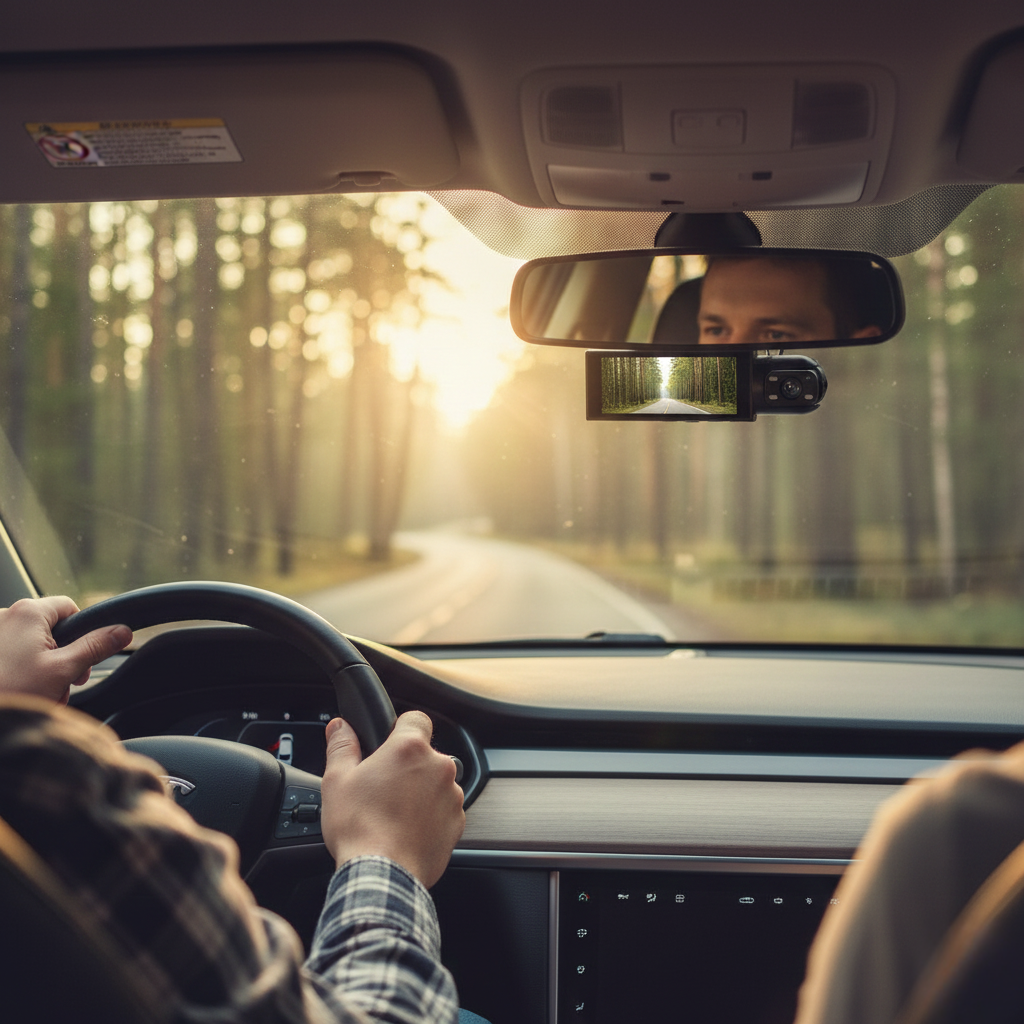
Short answer: A dual dash cam records the road ahead and a second view (cabin or rear) at the same time, which is what you want for rideshare driving, family cars and any dispute where who-did-what matters. The essentials are 1080p on both channels, a wide front lens (150° to 170°), loop recording, a G-sensor that locks crash footage, night vision and an app to pull clips to your phone. The AutoLinkr Dash™ ($69.99) covers all of these; the AutoLinkr Dash Pro™ ($199.99) is the step-up for drivers who want the top-spec unit.
What "dual" actually means
Dual-channel dash cams have two cameras. On the AutoLinkr Dash™ the front camera faces the road through the windshield and the second camera faces the cabin with infrared night vision, so it records passengers and the driver's side even at night. This is the configuration rideshare and delivery drivers rely on. Both channels record continuously in Full HD 1080p at 30 frames per second whenever the car is on.
The checklist: features that matter
| Feature | Why it matters | AutoLinkr Dash™ |
|---|---|---|
| 1080p on both cameras | Enough resolution to read license plates at normal following distance | Yes, 1920 x 1080 front and cabin |
| Wide-angle lens | Captures adjacent lanes and intersections | 170° front |
| Loop recording | Overwrites the oldest footage so the card never fills up | Yes, automatic |
| G-sensor | Locks the clip around an impact so it can't be overwritten | Yes, adjustable sensitivity |
| Night vision | Usable cabin video in the dark | IR night vision, 3D noise reduction |
| Built-in screen | Review footage without a phone or PC | Yes, IPS display |
| Wi-Fi app | Download and share clips from your phone | Yes, Framefox app for iOS and Android |
| Storage | Class 10 microSD; bigger card means longer history | Up to 128GB; 32GB or 64GB options included |
| Power | 12V socket for plug-and-play; hardwire kit for parking mode | 12V car charger (3.5m cable) and hardwire kit, both included |
How much footage does a card hold?
- 32GB: about 4 to 6 hours of dual 1080p video, fine for commuting.
- 64GB: about 8 to 10 hours, better for road trips and rideshare shifts.
- 128GB (maximum): roughly a full day of driving.
With loop recording the oldest files are overwritten automatically, and G-sensor-locked clips are protected until you delete them. Format the card in the camera before first use (FAT32).
Does a dash cam work when the car is off?
Powered from the 12V socket, the AutoLinkr Dash™ records only while the engine is running and shuts off with the car, so it cannot drain your battery. For parking surveillance (recording bumps and break-ins while parked), use the included hardwire kit: it connects to the fuse box with a low-voltage cutoff to protect your battery, and the camera then wakes on motion or impact.
Installing a dual dash cam in 10 minutes
- Clean the windshield behind the mirror and press the adhesive mount in place.
- Route the 3.5-meter power cable along the headliner, down the A-pillar (away from the airbag), and under the dash to the 12V socket.
- Insert a formatted Class 10 microSD card, start the car, and confirm both camera views on the screen.
- Hold the M button for 2 to 4 seconds, enable Wi-Fi, and connect the Framefox app on your phone to preview and download clips.
Dash™ vs Dash Pro™
Both share the dual 1080p, 170° lens, G-sensor, IR night vision, built-in screen and Wi-Fi app. The Dash Pro™ is the premium build for drivers who want the best unit AutoLinkr offers; see the Dash Pro™ page for the current spec differences and bundle options.
Frequently asked questions
Does it work in any car?
Yes. Any vehicle with a 12V socket. No CarPlay or special compatibility is required.
Can I download clips without a computer?
Yes. Connect to the camera's Wi-Fi with the Framefox app and download directly to your phone, or watch on the built-in screen.
Is cabin audio recorded?
Audio is on by default and can be muted in the menu; check your state's consent laws if you record passengers.
Return policy?
30 days from delivery for store credit, plus a 1-year warranty.
Share:
Wireless CarPlay Adapter Troubleshooting: Disconnects, Lag, Pairing and 'No Certificate Found'